



WhatsApp has become a daily communication tool for millions of users, but with its popularity comes a growing risk—account hacking. Cybercriminals are constantly looking for new ways to take over WhatsApp accounts, steal personal data, and even scam your contacts. If you’re worried about your privacy, this guide on How to Avoid from WhatsApp Account Hacked will walk you through everything you need to know, step by step. The good news? Protecting your account is easier than you think if you follow the right precautions.
Why WhatsApp Accounts Get Hacked So Easily
Before learning how to avoid from WhatsApp Account Hacked, it’s important to understand how hackers usually gain access. Most attacks don’t involve complex hacking tools. Instead, they rely on tricks and user mistakes.
Common reasons include:
- Sharing the OTP (one-time password) by mistake
- Falling for fake links or phishing messages
- Using WhatsApp Web on public or shared devices
- Not enabling basic security features
Once hackers gain access, they can read your messages, impersonate you, and even ask your friends for money.
How to Avoid from WhatsApp Account Hacked: Step-by-Step Guide
Below is a simple and effective step-by-step guide to help you secure your account and stay protected.
1. Enable Two-Step Verification (Most Important Step)
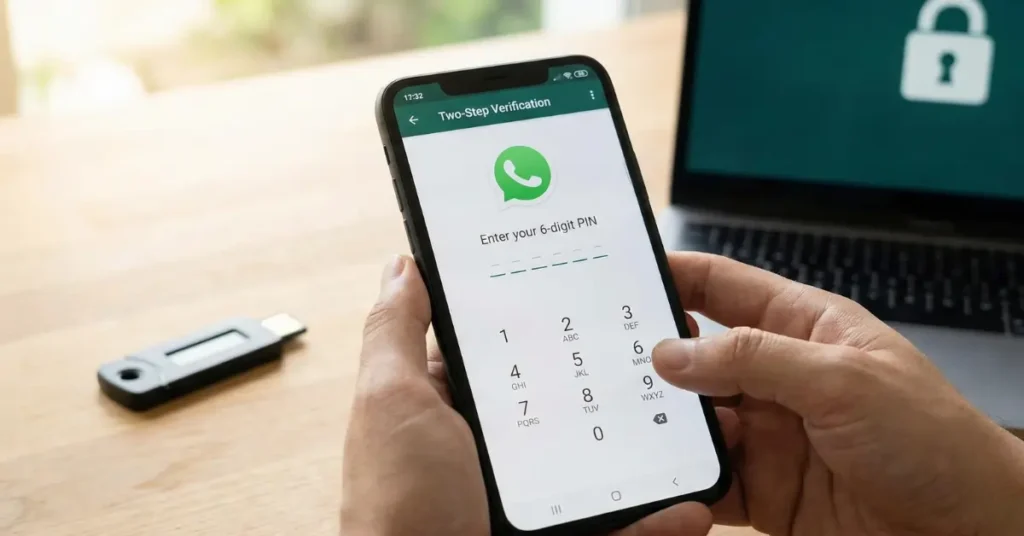
This is the first and most powerful step in how to avoid from WhatsApp Account Hacked. Two-step verification adds an extra PIN to your account. Even if someone gets your OTP, they still can’t log in without this PIN.
How to enable it:
- Open WhatsApp
- Go to Settings
- Tap Account
- Select Two-step verification
- Turn it on and set a 6-digit PIN
2. Never Share Your WhatsApp OTP With Anyone
WhatsApp will never ask you for your OTP—not on calls, messages, or emails.
Hackers often pretend to be:
- WhatsApp support
- Your friend or family member
- A job recruiter or delivery service
Remember this rule: If someone asks for your WhatsApp OTP, it’s a scam.
3. Be Careful With Unknown Links and Messages
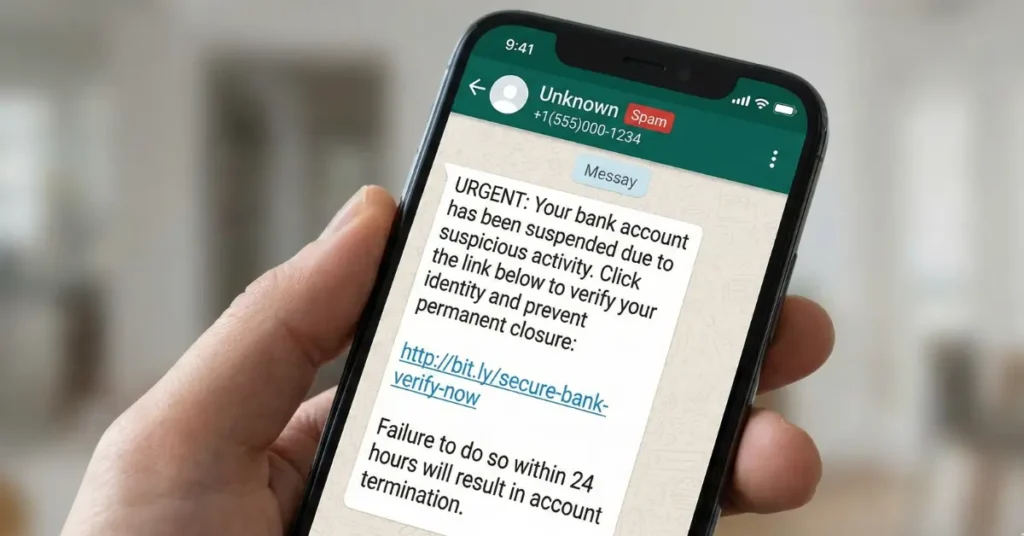
One of the most common mistakes people make is clicking on suspicious links. These links can:
- Redirects you to fake WhatsApp login pages
- Install spyware on your phone
- Steal your personal information
To avoid this:
- Don’t click on links from unknown numbers
- Avoid “gift”, “offer”, or “account warning” messages
- Block and report suspicious contacts immediately
4. Secure WhatsApp Web Sessions
WhatsApp Web is useful, but it can also be risky if not monitored.
How to stay safe:
- Go to Settings > Linked Devices
- Check for unknown or active sessions
- Log out of all devices if you see anything suspicious
If you ever logged into WhatsApp Web on a cyber café or office computer, make sure you logged out properly.
5. Lock Your WhatsApp With Fingerprint or Face ID
Adding a biometric lock adds another layer of protection.
Steps:
- Go to Settings > Privacy
- Tap Screen Lock
- Enable Fingerprint or Face ID
This ensures no one can open your WhatsApp even if they get hold of your phone.
6. Keep Your Phone and WhatsApp Updated
Outdated apps are easier targets for hackers.
- Regularly update WhatsApp from the Play Store or App Store
- Install system updates for your phone
- Avoid downloading apps from unknown sources
Updates often include important security fixes that help in How to avoid from WhatsApp Account hack.
7. Set Privacy Settings Properly
Limit who can see your personal information.
Recommended settings:
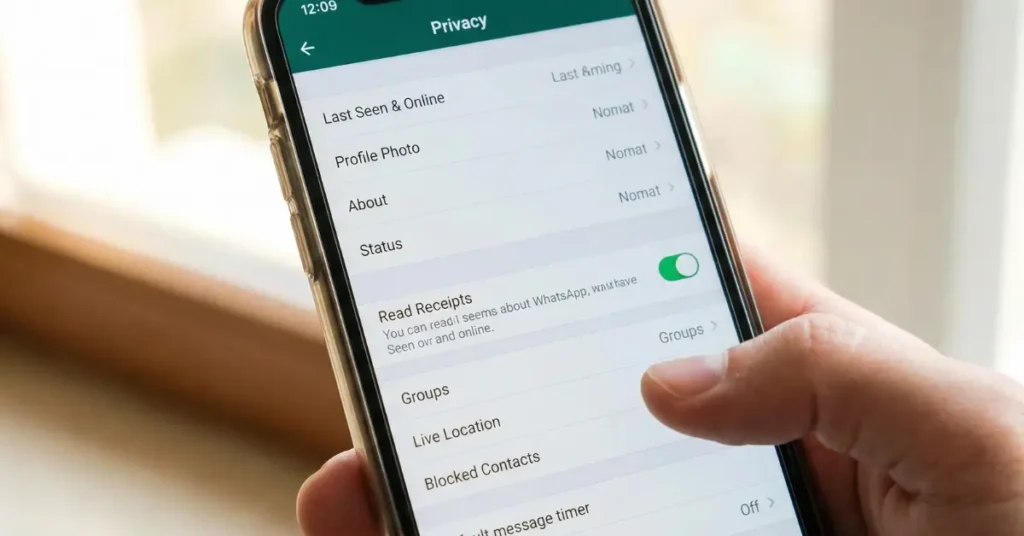
- Last Seen & Online: My Contacts
- Profile Photo: My Contacts
- About: My Contacts
- Groups: My Contacts
This reduces the chances of strangers targeting your account.
8. Protect Your SIM Card
SIM swap fraud is another serious threat.
To stay safe:
- Set a SIM PIN from your mobile network settings
- Don’t share personal details publicly
- Contact your telecom provider if your network suddenly drops
A compromised SIM can lead to a WhatsApp account takeover.
What to Do If Your WhatsApp Is Already Hacked
If you suspect your account is compromised:
- Reinstall WhatsApp
- Verify your number again
- Enter the OTP to regain access
- Contact WhatsApp support if you can’t log in
Act fast—the sooner you respond, the better your chances of recovery.
How to Avoid from WhatsApp Account Hacked for Long-Term Safety
Staying safe on WhatsApp doesn’t require technical skills—just awareness and smart habits. By following this complete guide on how to avoid from WhatsApp Account Hacked, you can greatly reduce the risk of losing your account or personal data. Enable two-step verification, avoid suspicious links, secure WhatsApp Web, and keep your app updated. A few simple steps today can save you from serious trouble tomorrow. Stay alert, stay secure, and keep your WhatsApp protected at all times.