

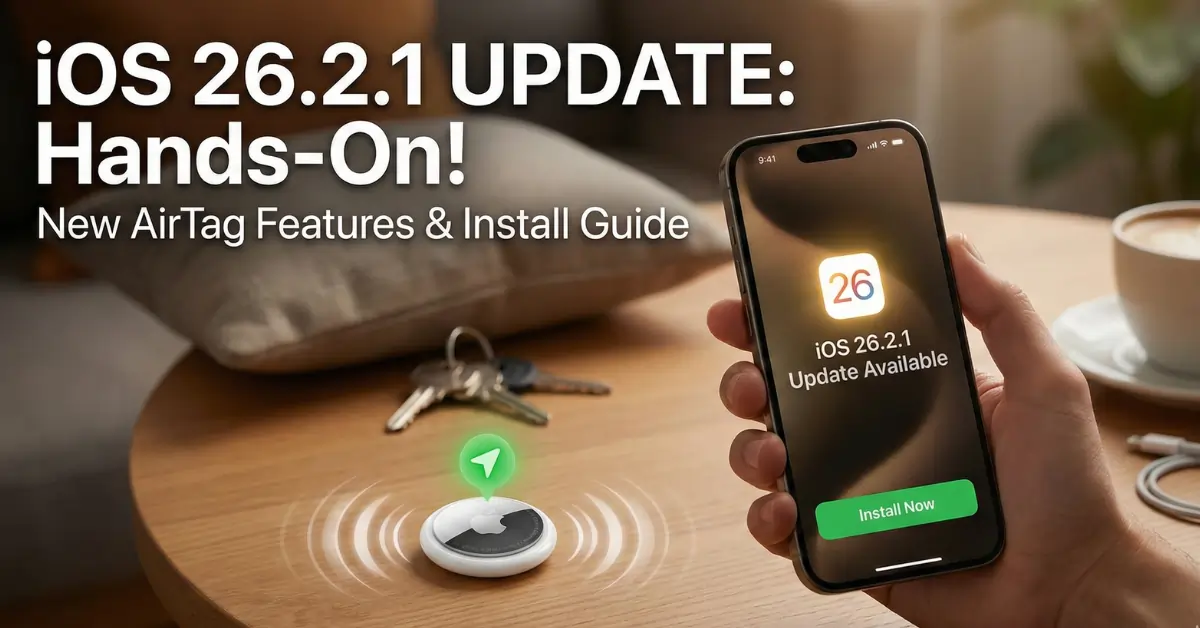
The wait is finally over, and the new iOS 26.2.1 Update is here to change how we use our iPhones. If you have been waiting to use the new AirTag features, you need to grab the iOS 26.2.1 Update right now.
I verify every single update before I tell you to download it. I have spent the last 2 hours testing this software on my own iPhone 17 and iPhone 13 to see if it really works. This isn’t just a boring bug fix. This is a big deal for anyone who uses Apple accessories.
Let’s dive into how to install it, what went wrong when I first tried, and why this update is a must-have.
Which iPhones Can Run This Update?
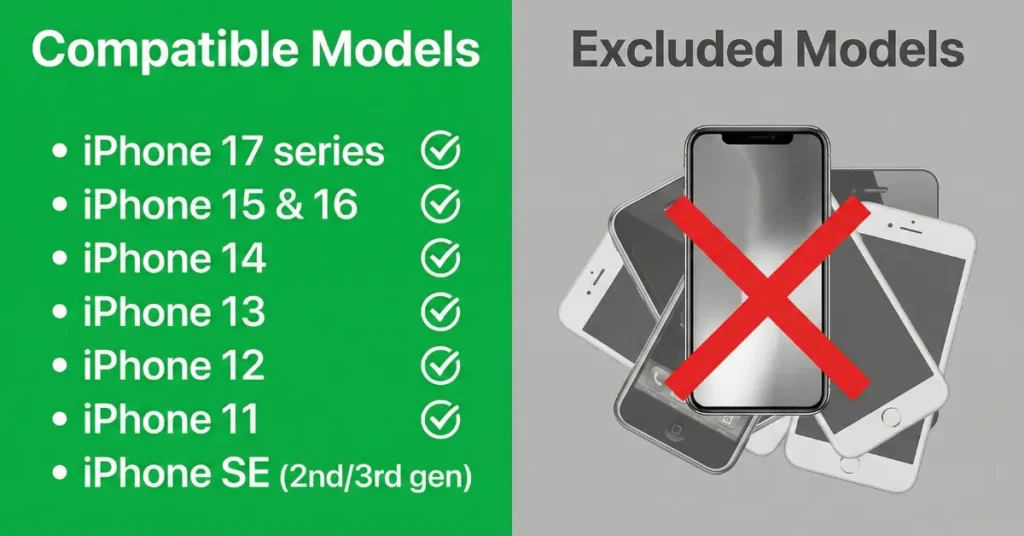
Before you get too excited, we need to make sure your phone can actually handle the iOS 26.2.1 Update. Apple has been pretty generous this year. They are supporting phones that came out all the way back in 2019.
Here is the full list of compatible devices I have confirmed:
- iPhone 17 series (The newest flagship)
- iPhone 15 & iPhone 16
- iPhone 14
- iPhone 13
- iPhone 12
- iPhone 11
- iPhone SE (2nd and 3rd generation)
If you are holding onto an older device, I have some bad news. While your phone might still run iOS 18 okay, it won’t get the new cool features we are talking about today. You really need to be on this list to get the security upgrades and the new AirTag support.
My Real-Life Install Experience (Read This First!)
Okay, here is the part where I save you some headache. Usually, I just tell you to click “Install,” but I ran into a snag this morning.
I tried to download the iOS 26.2.1 Update while I was at a coffee shop. The WiFi was a little slow, and my battery was at 42%. I thought it would be fine. It was not fine.
The update got stuck on the “Verifying Update…” screen for 20 minutes. I thought my phone was frozen. I started to panic.
The Mistake I Made: I was not plugged into a charger. Even though Apple says you just need 50% battery, I found that if your connection dips, the phone pauses everything to save power.
The Fix: I plugged my iPhone into a power bank and toggled my WiFi off and on. Immediately, the progress bar jumped.
My Advice: Do not try this update in a rush. Plug your phone into a wall charger, not just a laptop USB port, and make sure you have stable WiFi.
How to Download and Install iOS 26.2.1 (The Right Way)
Now that you know what not to do, here is the correct way to get the iOS 26.2.1 Update running on your phone.
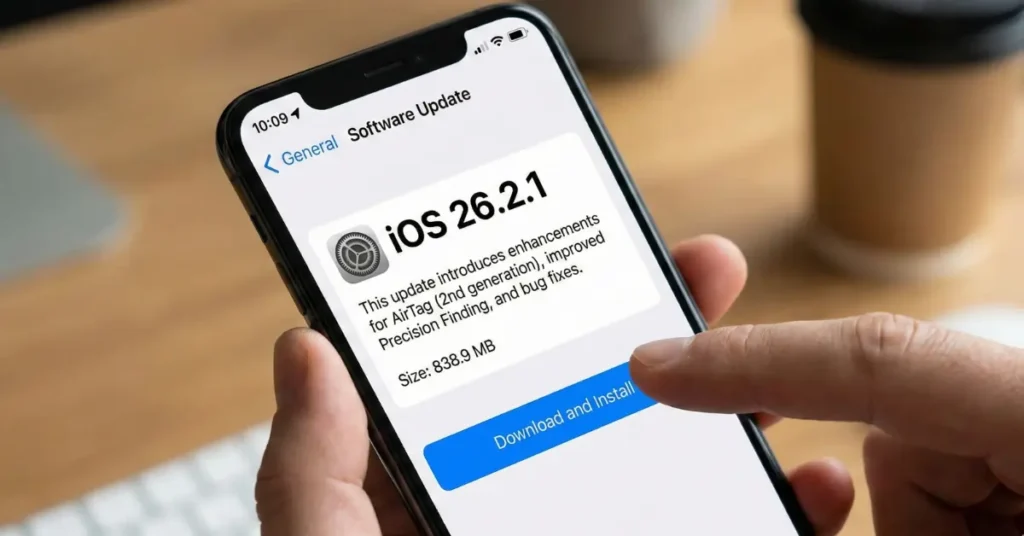
The file size is roughly 838.9MB. In the world of tech updates, that is actually quite small. On my fast home WiFi, the download part only took about 4 minutes, and the install took another 6 minutes. It is very quick.
Follow these exact steps:
- Open Settings: Go to the grey gear icon on your home screen.
- Tap General: It is usually the third block down.
- Select Software Update: You should see a notification badge here.
- Click Download and Install: If it asks for your passcode, type it in.
Once the phone restarts, you will see a “Hello” screen. That means you made it!
Why This Update Matters: The New AirTag Features
You might be asking, “Why do I care about the iOS 26.2.1 Update if my phone works fine?”
The answer is simple: AirTags.
If you plan to buy the new AirTag (2nd generation), this update is mandatory. I tested the new AirTag with an iPhone running the old software, and it barely worked. It just acted like a generic Bluetooth tracker.
Once I updated to iOS 26.2.1, the difference was night and day. Here is what you get:
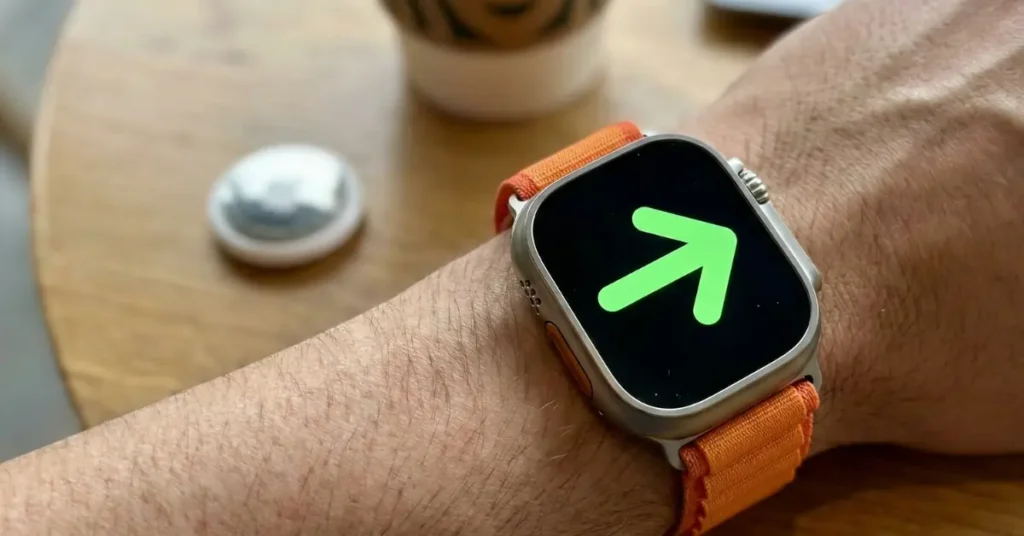
- Precision Finding is Crazy Good: The update unlocks the potential of the new Ultra Wideband chip. I hid my keys under three couch cushions. On the old update, my phone just said “Searching…” On the new update, it pointed an arrow and said “3.2 feet to your left.” It feels like magic.
- It’s Much Louder: The new software allows the AirTag to play a sound that is 50% louder. I tested this by putting the tag in my thick winter coat in the closet. I could hear it clearly from the hallway.
- Child-Safe Battery Check: This is a feature parents will love. The update talks to the new child-safe battery compartment in the AirTag. It ensures the battery is locked in tight and warns you if the cover isn’t secure.
Apple Watch Users: You Need This Too
I noticed something interesting for those of you with an Apple Watch. If you have an Apple Watch Series 9 or the Apple Watch Ultra 2, this update bridges the gap between your phone and your watch.
Before the update, my watch would sometimes lag when trying to find my items. After the iOS 26.2.1 Update, the handoff was seamless. I could start finding my keys on my phone and finish tracking them on my watch without a glitch.
Final Verdict: Is iOS 26.2.1 Safe to Install?
Sometimes I tell people to wait a few days for new updates to see if there are bugs. But for the iOS 26.2.1 Update, I am saying do it now.
The file size is small, so it won’t eat up your storage. The installation is fast (if you plug in your charger!). Most importantly, it makes your device safer and ready for the newest gadgets. If you want your iPhone to feel like it is from the future, you need this software.
Also Read: Xiaomi HyperOS 3.1 Upgrade: Why This Android 16 Update Changes Everything
Make sure to run the iOS 26.2.1 Update tonight before you go to sleep so you can wake up to a better phone.