Nothing OS 4.0 Update: A Stunning Power Upgrade That Every Nothing Phone User Needs to Know About


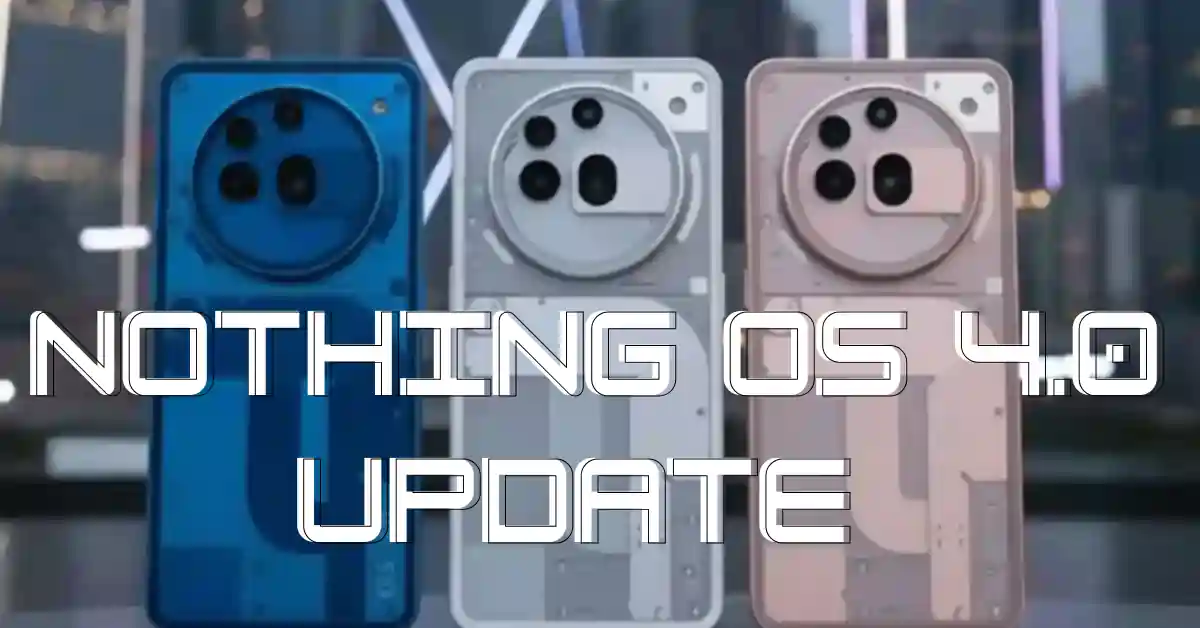
Nothing has finally started rolling out its highly anticipated Nothing OS 4.0 update, and it’s already turning heads. Packed with fresh features, smoother animations, and a more refined user experience, this update promises to take your Nothing smartphone to the next level. Whether you’re using a Nothing Phone (1), Nothing Phone (2), or the more recent Nothing Phone (2a), this new software upgrade is designed to make everything feel faster, cleaner, and more fun to use.
Below, we break down everything new in Nothing OS 4.0, plus a quick look at some of the popular phones that support it, along with their core specs.
What’s New in Nothing OS 4.0?
Nothing OS 4.0 is built on top of Android 15 (in most regions) and brings a refined mix of performance improvements, design updates, and user-focused features. If you like minimal interfaces with buttery-smooth animations, this update will feel like a major step forward.
1. A More Polished UI
Nothing has fine-tuned its signature dot-matrix design across the entire interface. App icons feel cleaner, the quick settings panel looks sharper, and system transitions have been updated for a more immersive feel. Overall, there’s a noticeable improvement in smoothness.
2. Improved Battery Optimization
One of the biggest complaints from users was battery drain during long usage sessions. Nothing OS 4.0 tackles this with smarter background control, enhanced idle optimization, and better thermal management. Expect improved standby time and slightly more screen-on time.
3. Faster App Loading
The system now uses updated memory management and quicker transitions, helping apps launch faster and reducing random lags. Daily performance feels more fluid, especially on the older Nothing Phone (1).
4. Lock Screen Customization
Nothing OS 4.0 adds new lock screen layouts, clock styles, and gesture improvements. Users now have more freedom to personalize their devices without cluttering the interface.
5. Better Camera Experience
Nothing fine-tuned its camera app with quicker processing, cleaner UI elements, and improved color accuracy, especially on the Nothing Phone (2a). Low-light photos now appear slightly sharper, and shutter response is faster.
6. Enhanced Security Controls
The update includes improved privacy dashboards, better permission controls, and more transparency options for microphone and camera usage.
7. Revamped Quick Settings
Quick toggles feel more functional with redesigned icons and faster accessibility. The Bluetooth and Wi-Fi menus have been expanded for easier device switching.
Supported Devices & Their Short Specs
Here are some popular Nothing phones that support the new OS 4.0 update, along with a brief look at their key specifications.
1. Nothing Phone (1)
The device that started it all continues to receive solid updates.
Key Specs:
- Display: 6.55-inch FHD+ OLED, 120Hz
- Processor: Qualcomm Snapdragon 778G+
- Rear Cameras: 50MP + 50MP dual setup
- Front Camera: 16MP
- Battery: 4500mAh with 33W fast charging
- Special Feature: The iconic Glyph Interface on the back
Nothing OS 4.0 breathes new life into the Phone (1), especially improving performance and animation fluidity.
2. Nothing Phone (2)
A more premium successor with flagship-level performance.
Key Specs:
- Display: 6.7-inch LTPO OLED, 120Hz
- Processor: Qualcomm Snapdragon 8+ Gen 1
- Rear Cameras: 50MP main + 50MP ultra-wide
- Front Camera: 32MP
- Battery: 4700mAh, 45W fast charging
- Special Feature: Advanced Glyph Interface with more light zones
Nothing OS 4.0 boosts the phone’s already strong performance and offers better stability during gaming and multitasking.
3. Nothing Phone (2a)
The most affordable Nothing phone is surprisingly powerful.
Key Specs:
- Display: 6.7-inch AMOLED, 120Hz
- Processor: MediaTek Dimensity 7200 Pro
- Rear Cameras: 50MP main + 50MP ultra-wide
- Front Camera: 32MP
- Battery: 5000mAh with 45W fast charging
- Special Feature: Simplified Glyph design with three light bars
With OS 4.0, the Phone (2a) gets a much smoother UI, better camera consistency, and noticeable battery enhancements.
Should You Install the Update?
If you own any of the above Nothing phones, the OS 4.0 update is definitely worth downloading. It delivers meaningful improvements without drifting away from the brand’s signature minimalistic style. Expect better stability, noticeable performance boosts, enhanced visuals, and a cleaner overall experience.
Just make sure to:
- Charge your phone above 50%
- Connect to stable Wi-Fi
- Back up important data before updating
Nothing OS 4.0 shows that the brand is serious about software, and not just flashy hardware. For both long-time users and new customers, this update feels like a strong move in the right direction.